Back to overview
 Back to overview
Pay for an expired reservation
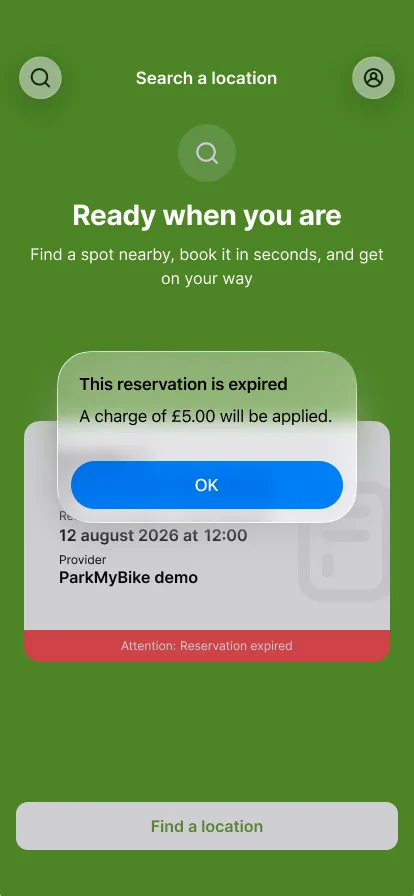
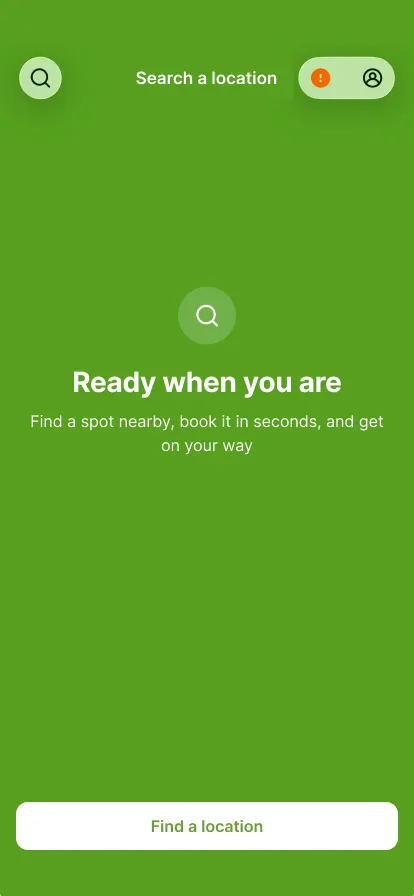

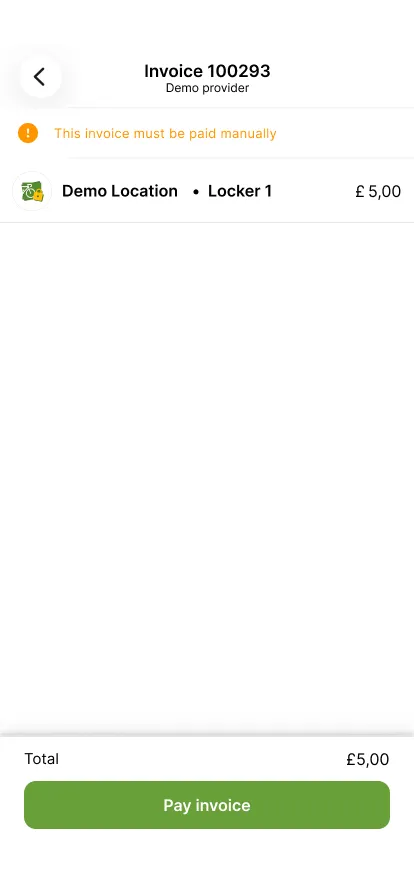
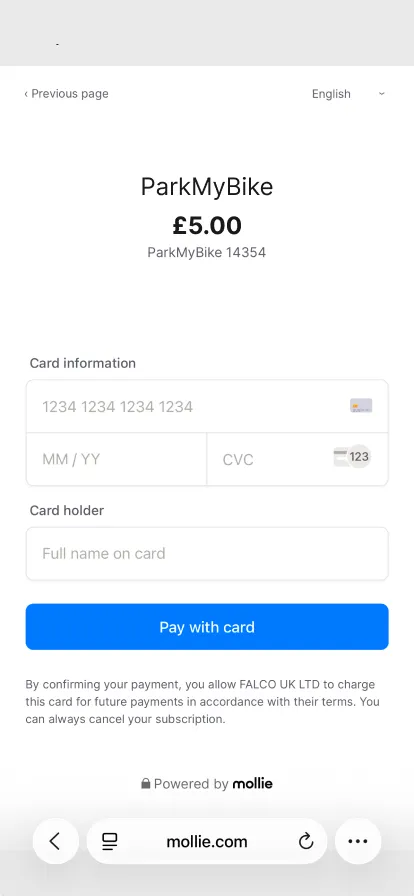
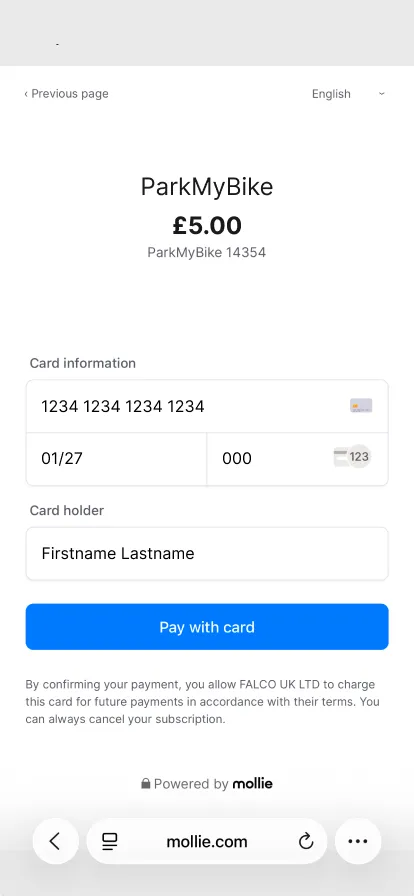


Your reservation has expired
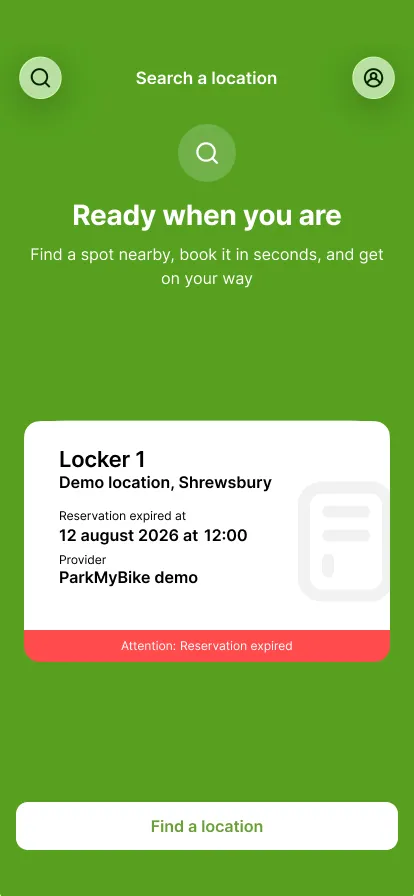
The home screen shows the red notice 'Reservation expired' on your reservation.
Step 1 of 8
The home screen shows the red notice 'Reservation expired' on your reservation.
Step 1 of 8