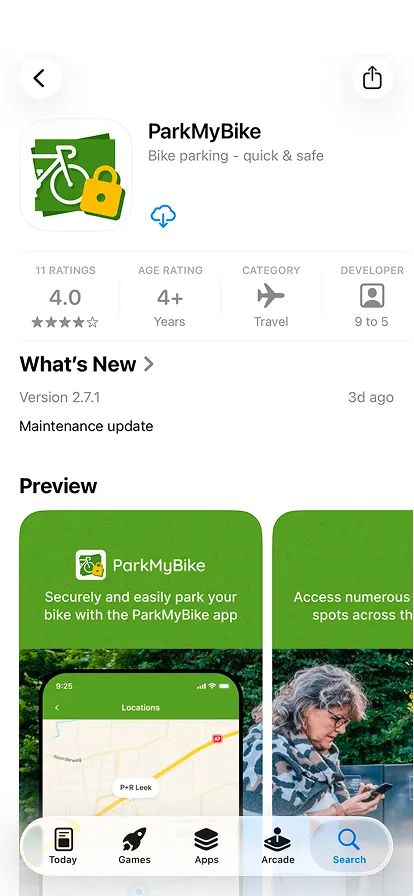
Search for ParkMyBike in the App Store or Google Play and download the app to your phone.
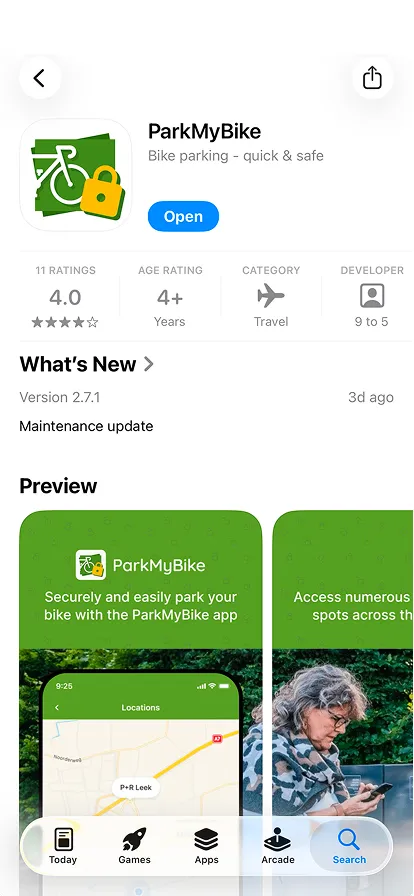
Tap Open as soon as the download has finished.
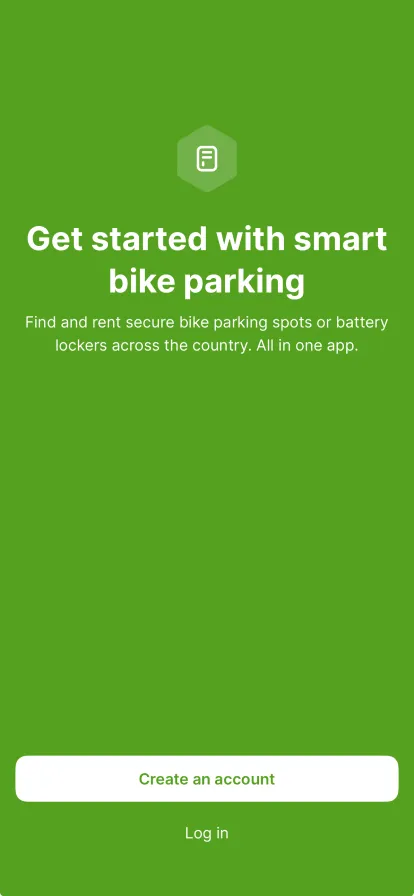
Tap 'Create an account' on the welcome screen. Already have an account? Choose Log in instead.
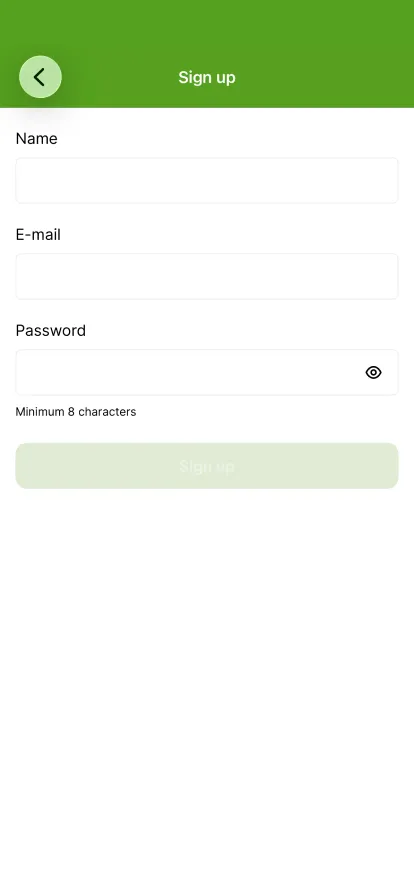
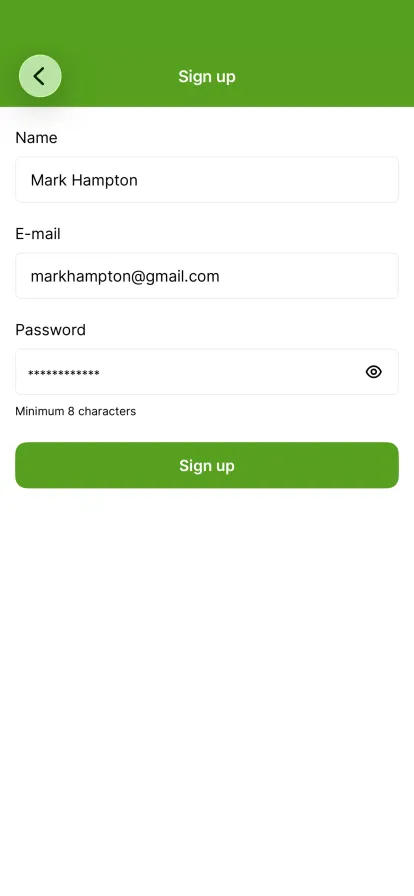
Enter your name, your email address and a password of at least 8 characters.
Tap 'Sign up'. You are logged in straight away.
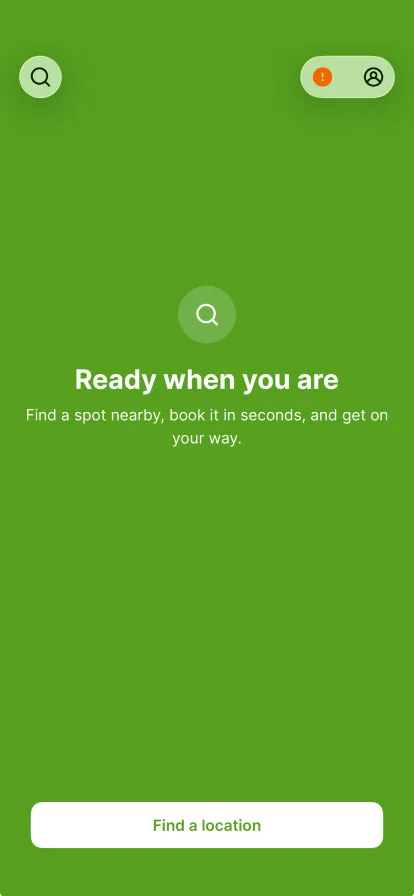
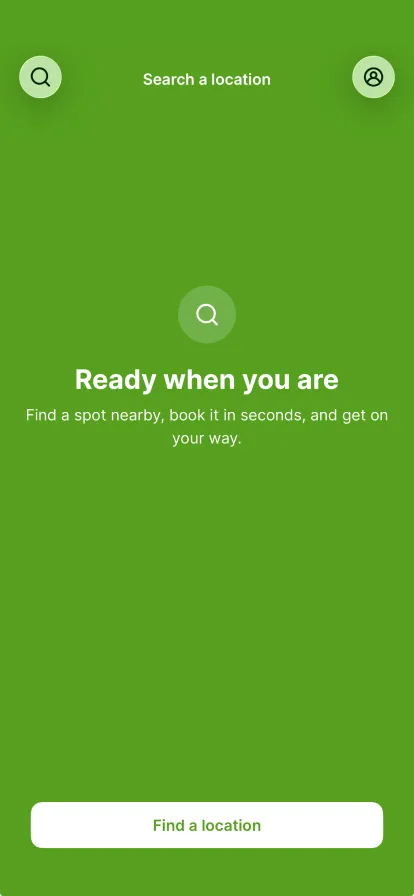
This is the home screen. The orange dot on your profile means your email address still needs to be confirmed.
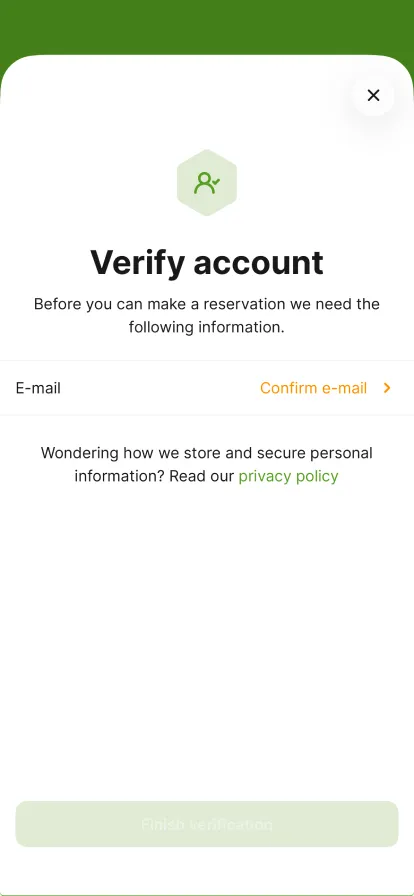
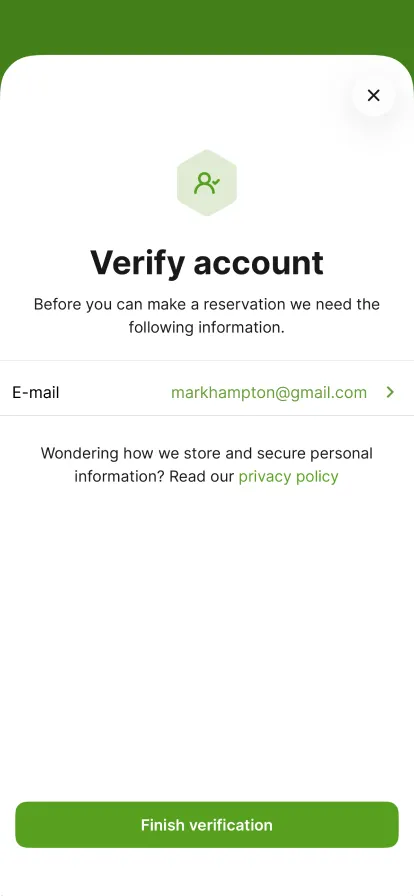
Tap 'Confirm e-mail' to verify your email address. You cannot make a reservation until you do.
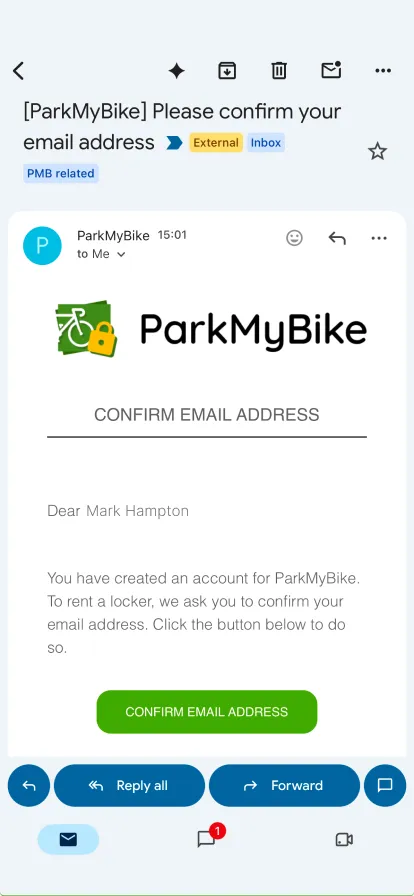
Open the email from ParkMyBike and tap 'Confirm email address'. Nothing received? Check your spam folder.
Your email address now has a green check. Tap 'Finish verification'.
Your account is set up. Tap 'Find a location' to book your first spot.
Step 1 of 10