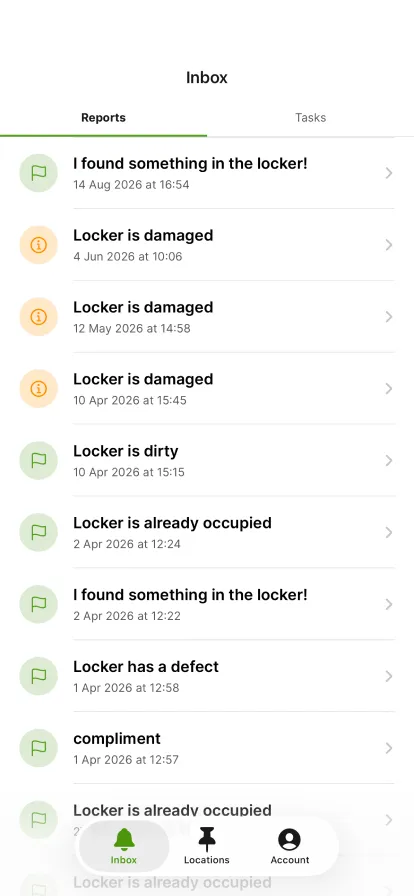
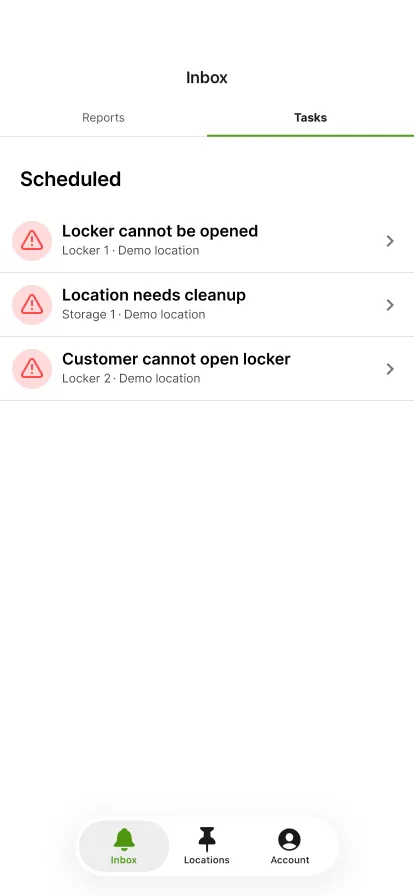
In your inbox, tap the 'Tasks' tab.
Scheduled shows the tasks waiting for you. Tap the one you are going to carry out.
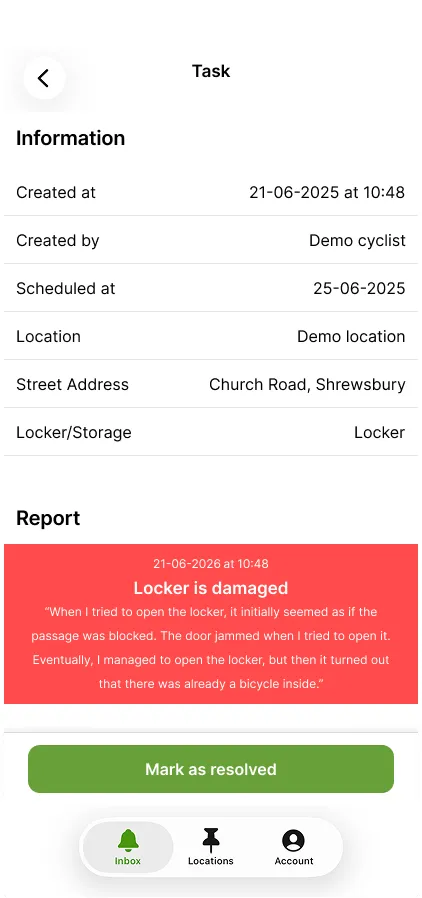
You see when and by whom the task was created, which locker it concerns and what was reported. Tap 'Mark as resolved'.
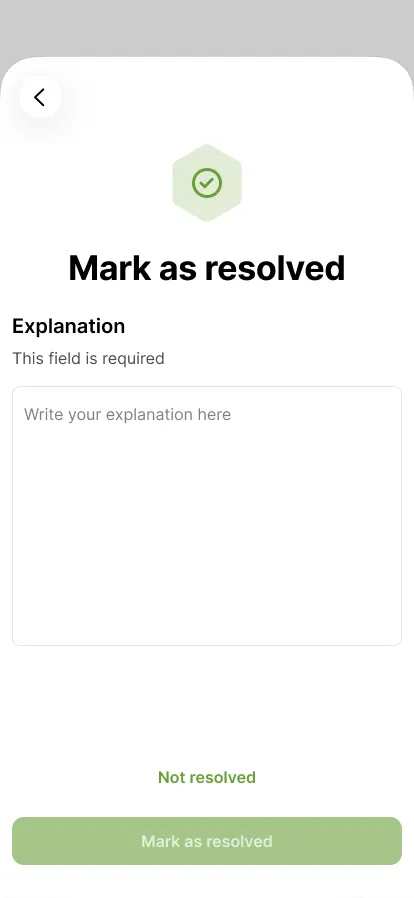
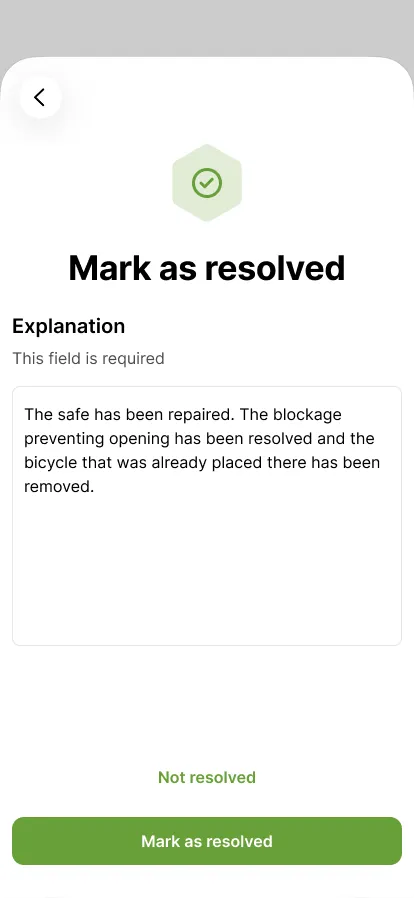
The explanation is required. Describe what you did.
The button becomes active once you have written an explanation. Tap 'Mark as resolved'.
Step 1 of 5
 Back to overview