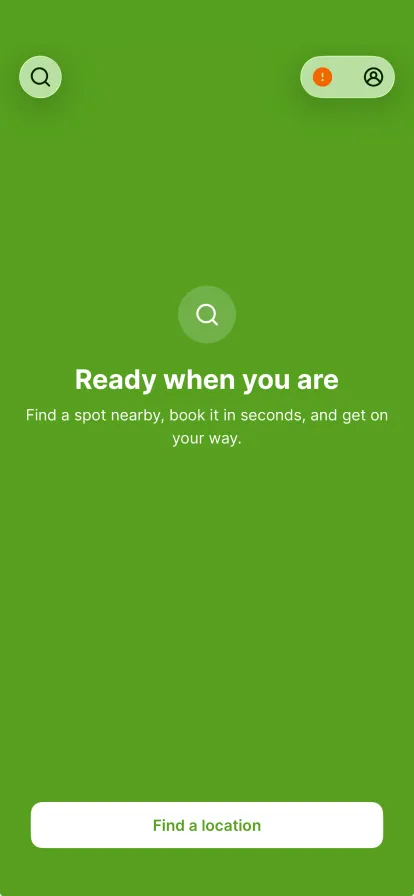
The orange dot on your profile means something is outstanding. Tap the profile icon.
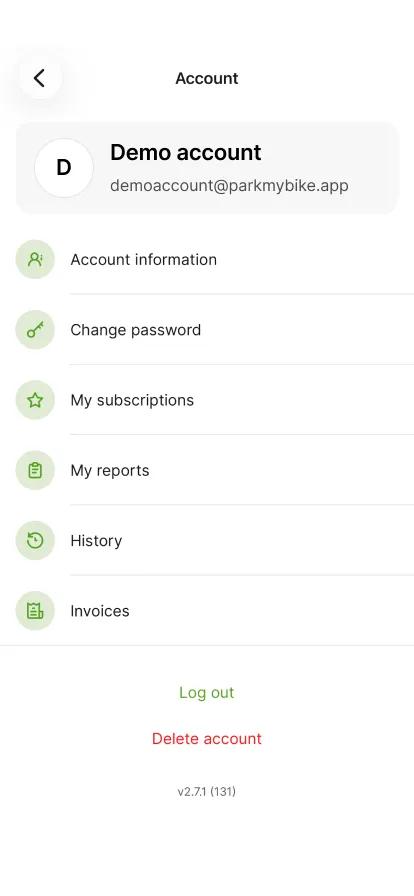
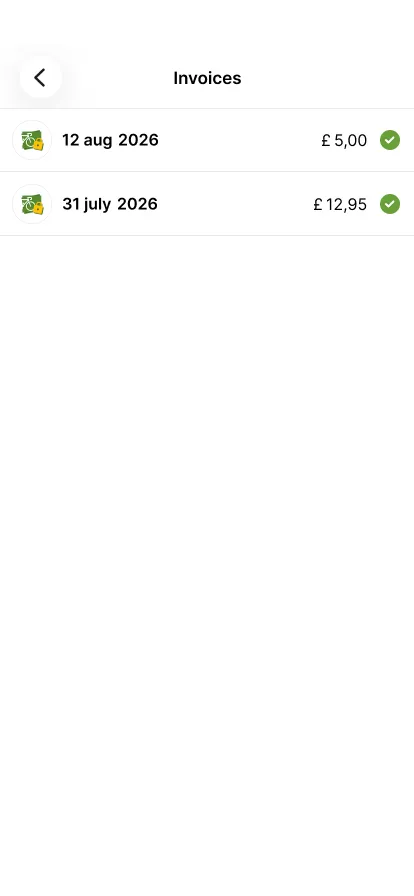
Tap 'Invoices'.
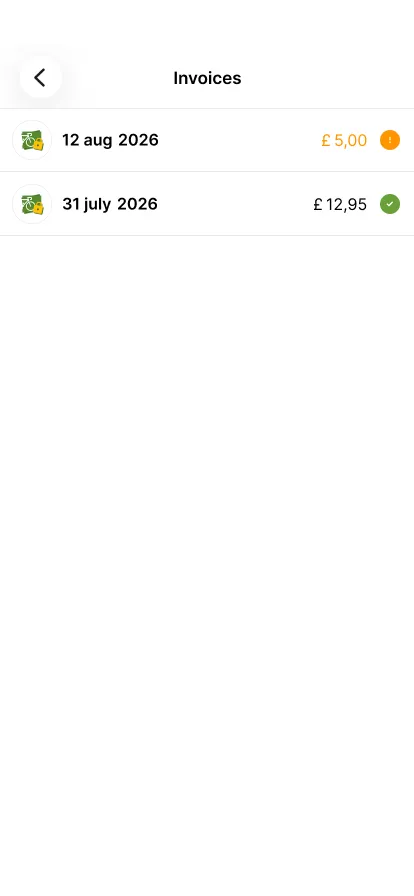
An orange exclamation mark means the invoice has not been paid yet. Tap it.
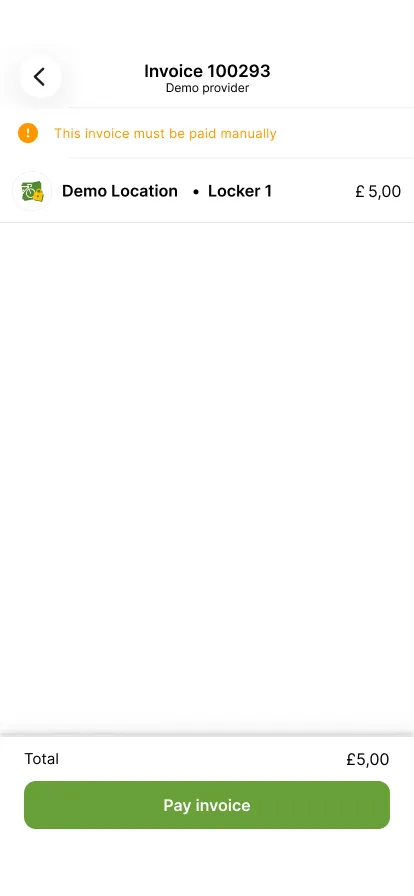
Check the amount and tap 'Pay invoice'.
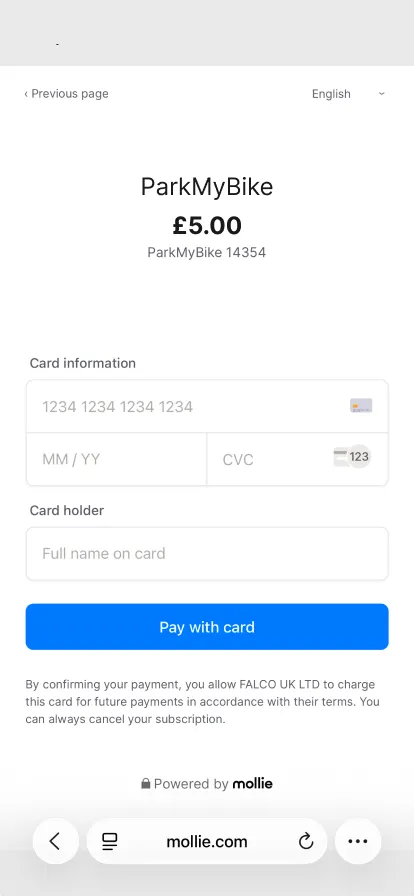
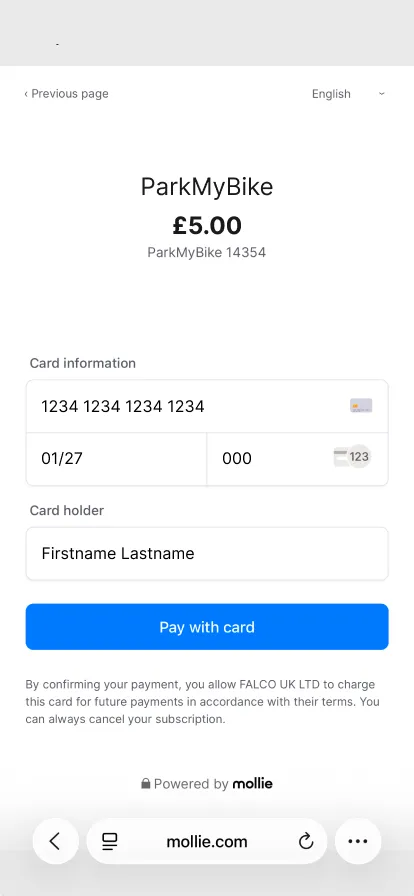
Fill in the card number, the expiry date, the CVC and the name on the card.
Check your details and tap 'Pay with card'.
The invoice now shows a green check in your overview.
Trin 1 af 7
 Tilbage til oversigt