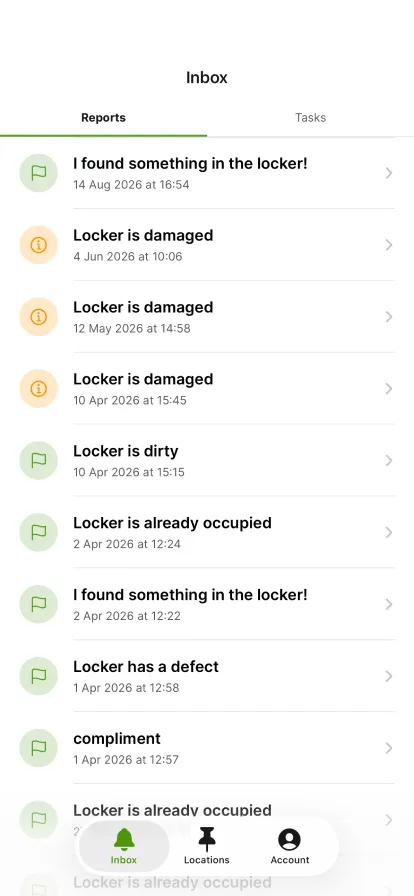
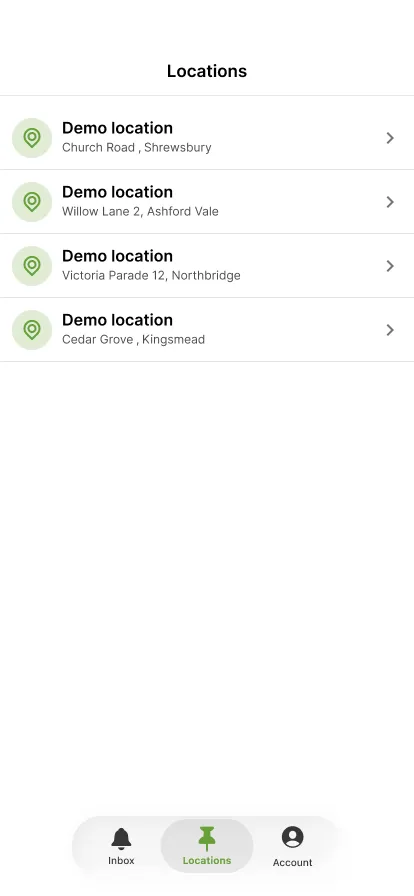
Tap 'Locations' at the bottom.
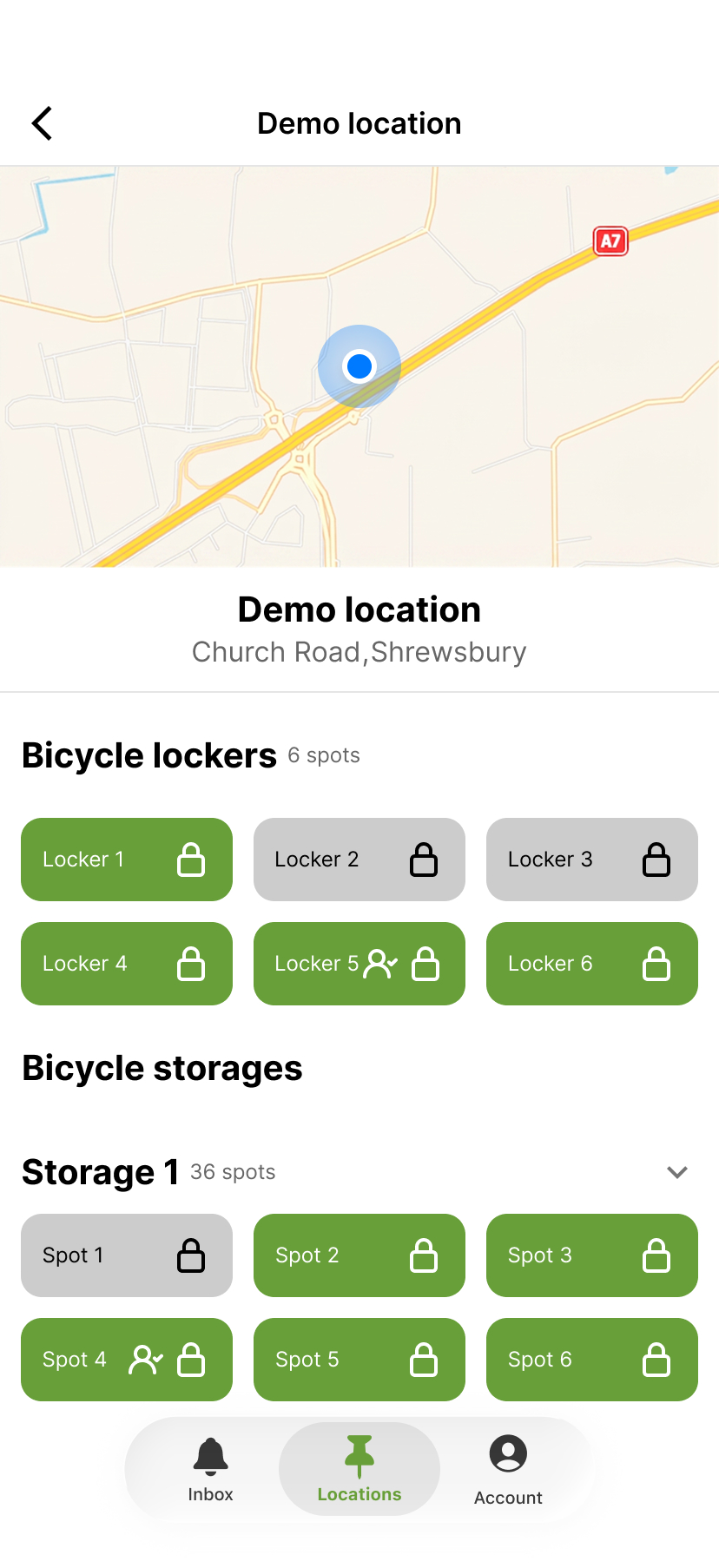
Tap the location where the locker is.
Tap the locker you want to take out of use.
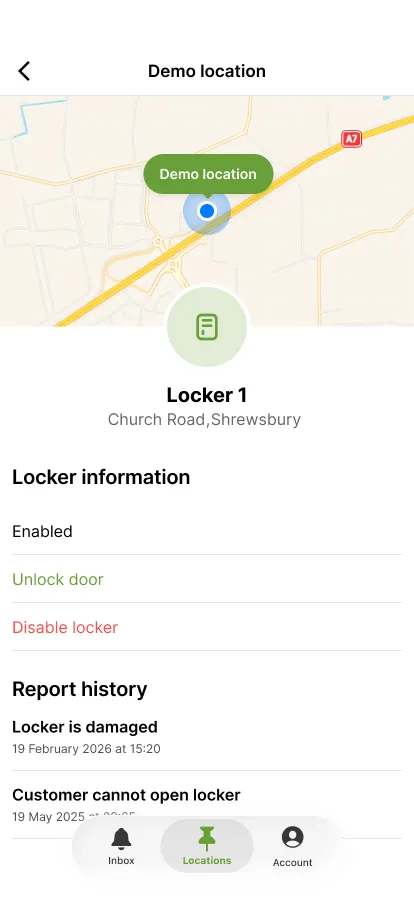
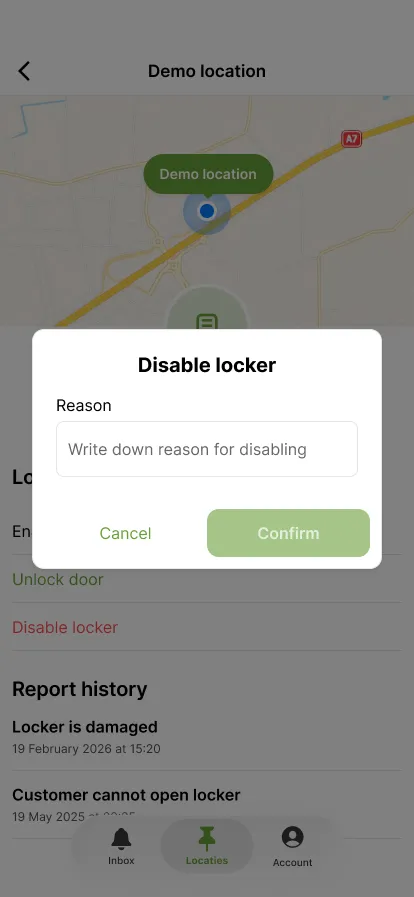
Locker information shows 'Enabled'. Tap 'Disable locker'.
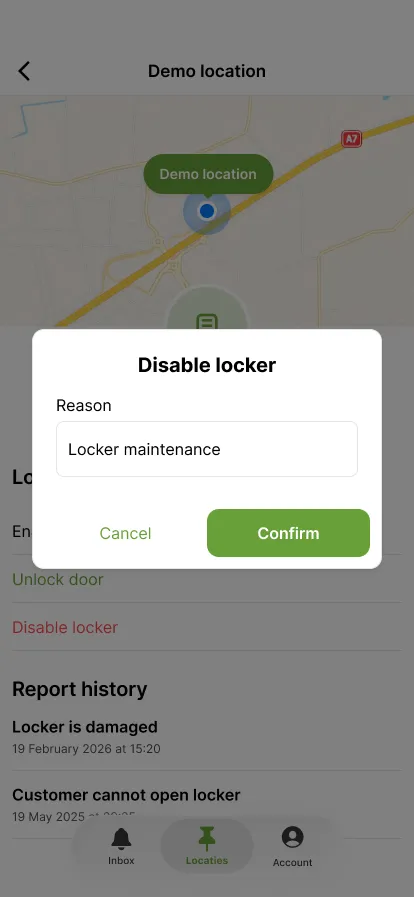
The reason is required, for example maintenance on the locker.
The button becomes active once you have entered a reason. Tap 'Confirm'.
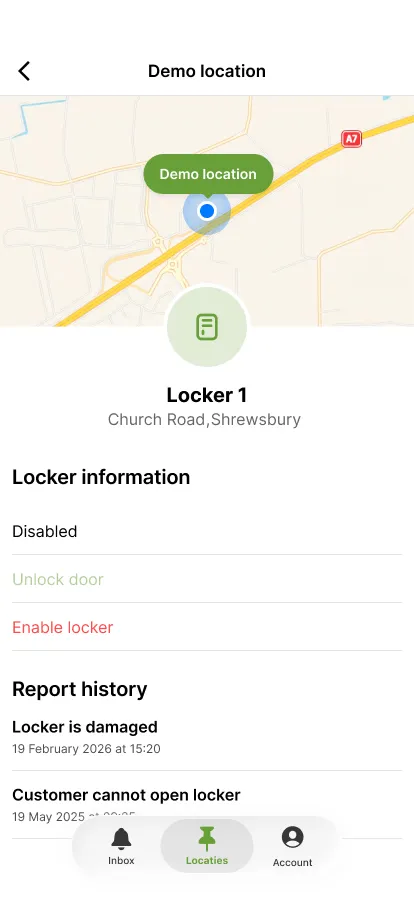
The status now reads 'Disabled' and the locker can no longer be booked.
Schritt 1 von 7
 Zurück zur Übersicht