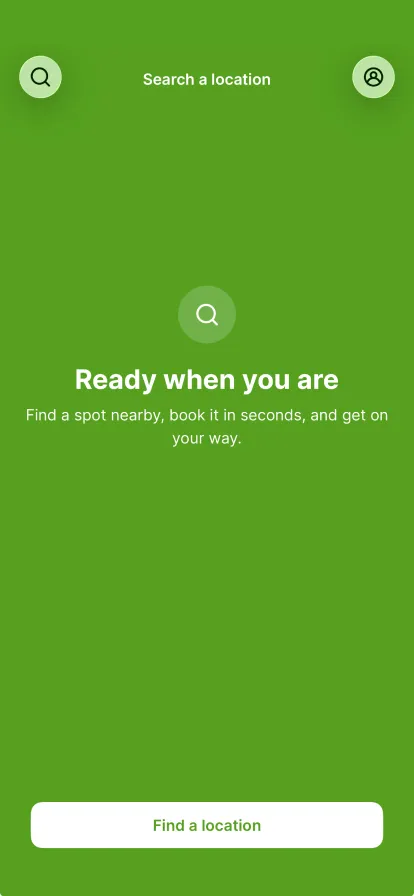
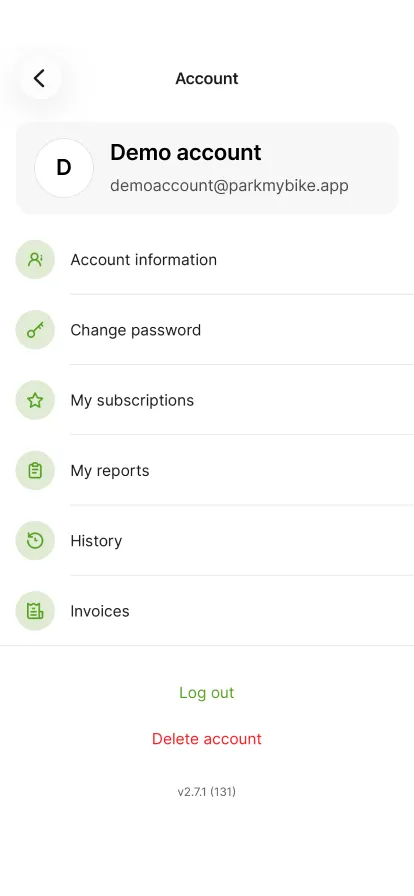
Tap the profile icon in the top right.
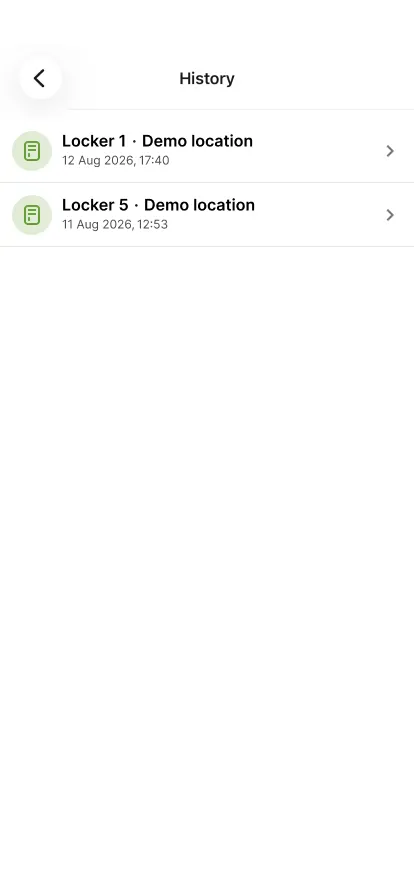
Tap 'History' to see your earlier reservations.
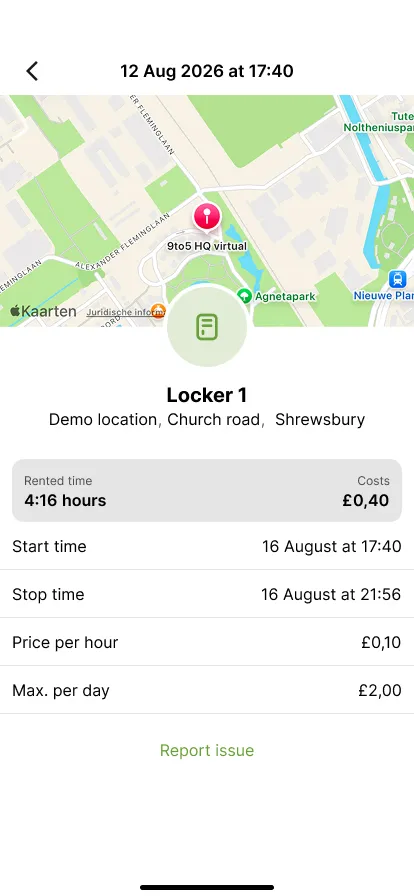
Tap the reservation you want to report a problem for.
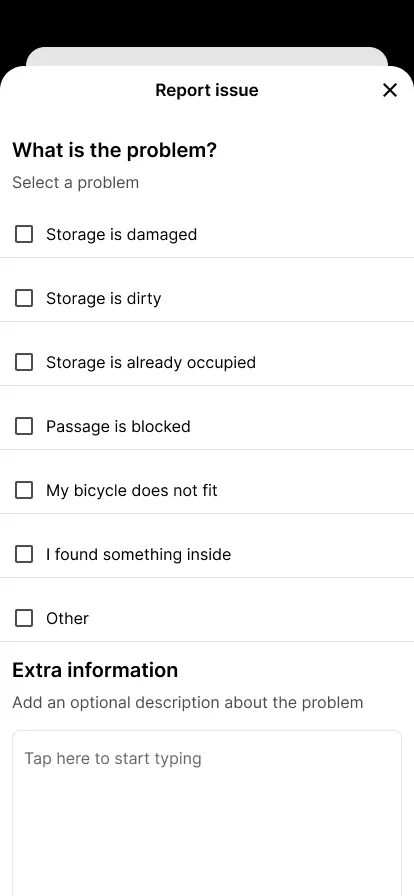
Scroll down and tap 'Report issue'.
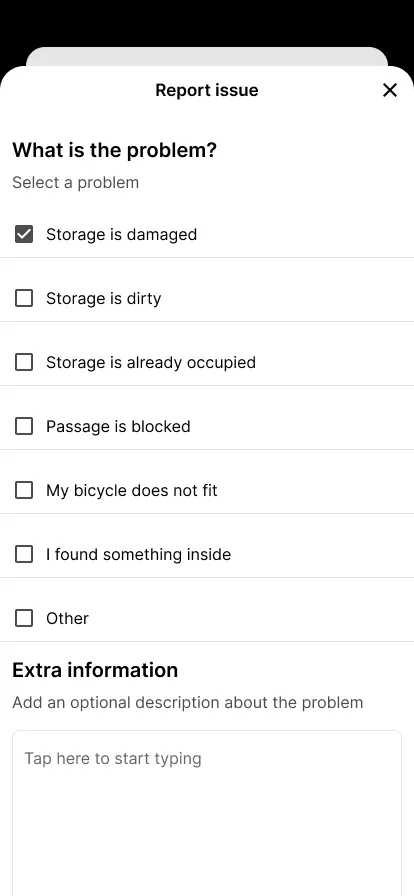
Tick what is wrong under 'What is the problem?'. You can report several problems at once.
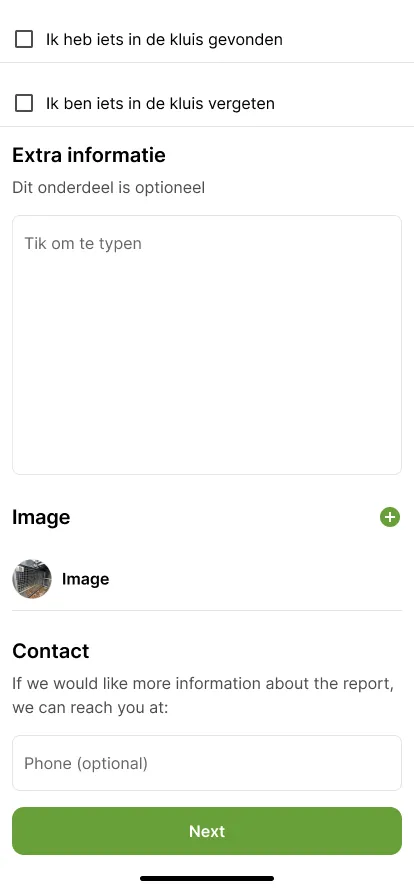
A selected problem gets a check mark. Then keep scrolling down.
Optionally add a note, a photo and a phone number, then tap 'Next'.
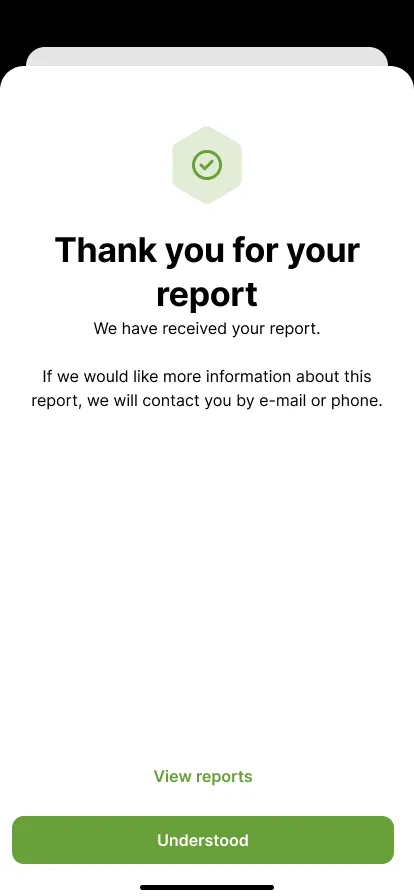
We have received your report and will contact you if we need more information. Tap 'Understood'.
Paso 1 de 8
 Volver al resumen